Background removerclean cut-outs for product shots
Cut the product out, then put it on white, on a color, or into a new scene with the image editor.
Not open yetImage tool
Real renders are not open yetLeave your email and we will write once, when they open.
Settings
- Transparent
- White
- Color
Price1 crper image, any background
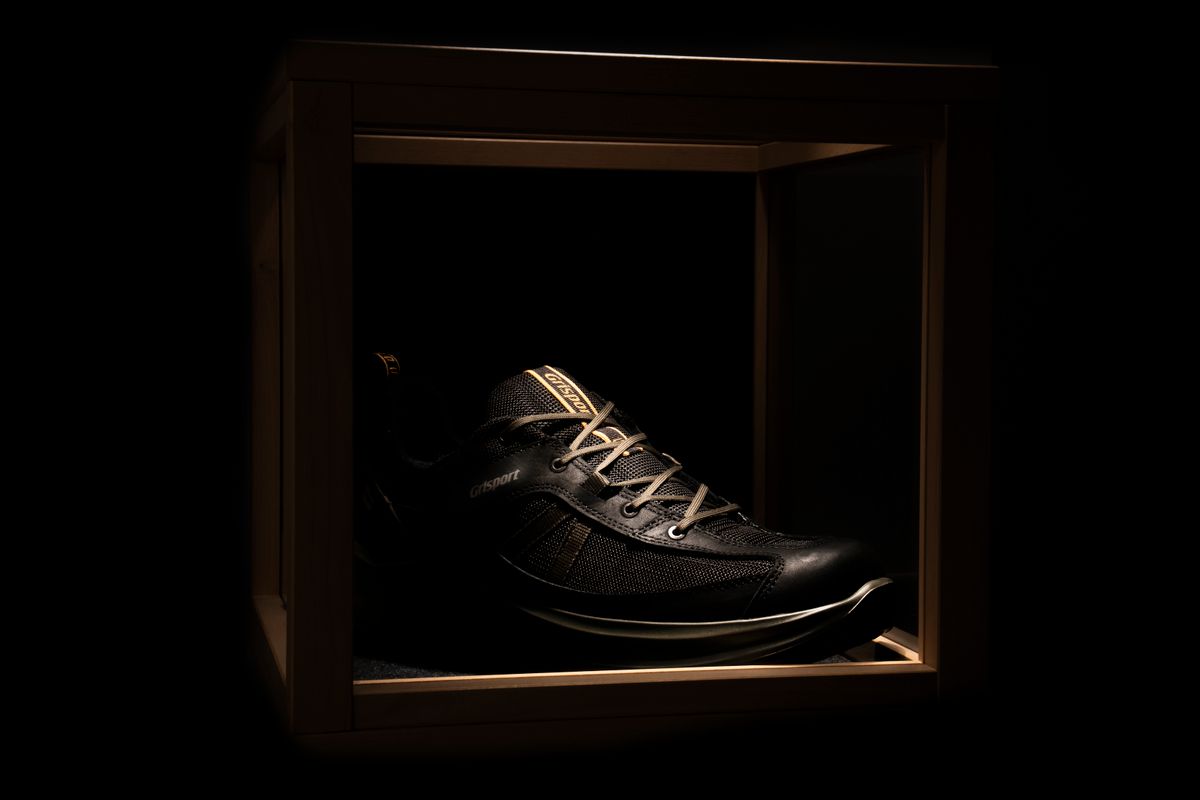 Example frame · Result appears here
How itworks
- 01
Upload in studio
JPEG, PNG or WebP, up to 10 MB.
- 02
Pick the backdrop
Transparent, white, or a color you choose.
- 03
Download or animate
Save the cut-out, or place it in a scene and animate it.
What youget
- Output
- A PNG with a transparent background, or the product on white or a color.
- Price
- 1 cr · per image, any background
- Use
- Paid results carry no watermark and can be used commercially under our Terms. Free watermarked tries, when offered, are non-commercial.
- Next step
- Put it in a new scene with the image editor, then animate it.
Questionsanswered
What do I get?
A PNG with a transparent background, or the product placed on white or on a color you pick.
Does it handle hair and glass?
Fine edges such as hair, fur and glass are the hardest cases. Check the edges before you use the result.
Can I make a video from the cut-out?
Yes. Place it in a new scene with the image editor, then animate it.