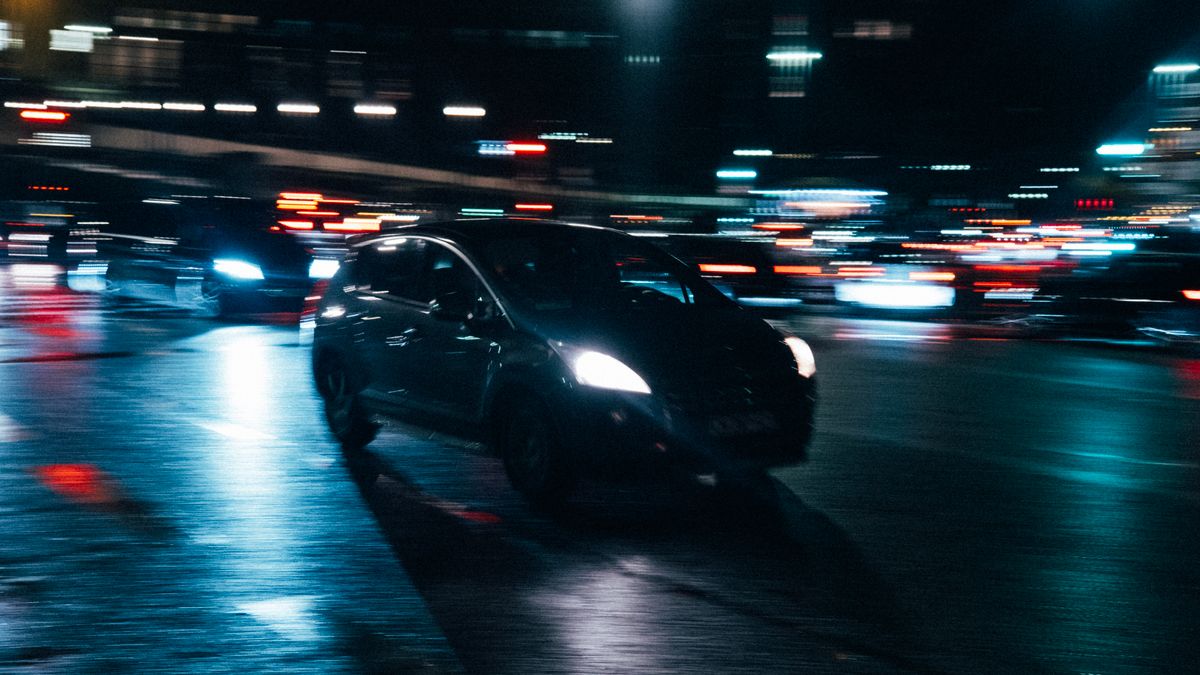
Cinematic AI videoYour shot, your call
Batch video production for creators, professional teams and AI agents

Auto → Seedance 2.0 Fast · 720p · 4 s · 27 credits ≈ $0.27No purpose given: the standard engine.
Example · CinematicStock photo, not a render
Start from an example
 Product ad9:16 · 480p · 5 s
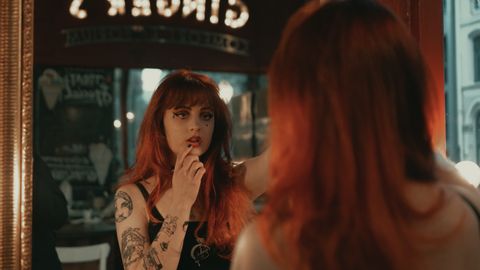 Bring a photo to life16:9 · 720p · 5 s
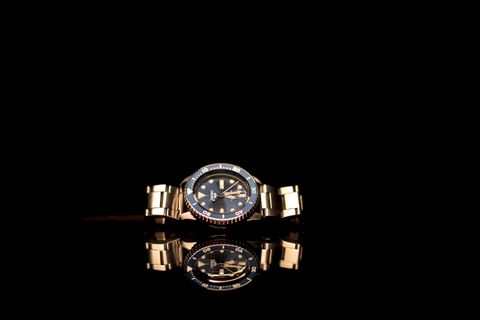 Follow a camera move16:9 · 720p · 8 s
Real renders are not open yet
Leave your email and we will write once, when they open.
What you can makeand what it costs
Four kinds of video, one AI video generator. Each shows its settings and what it costs.
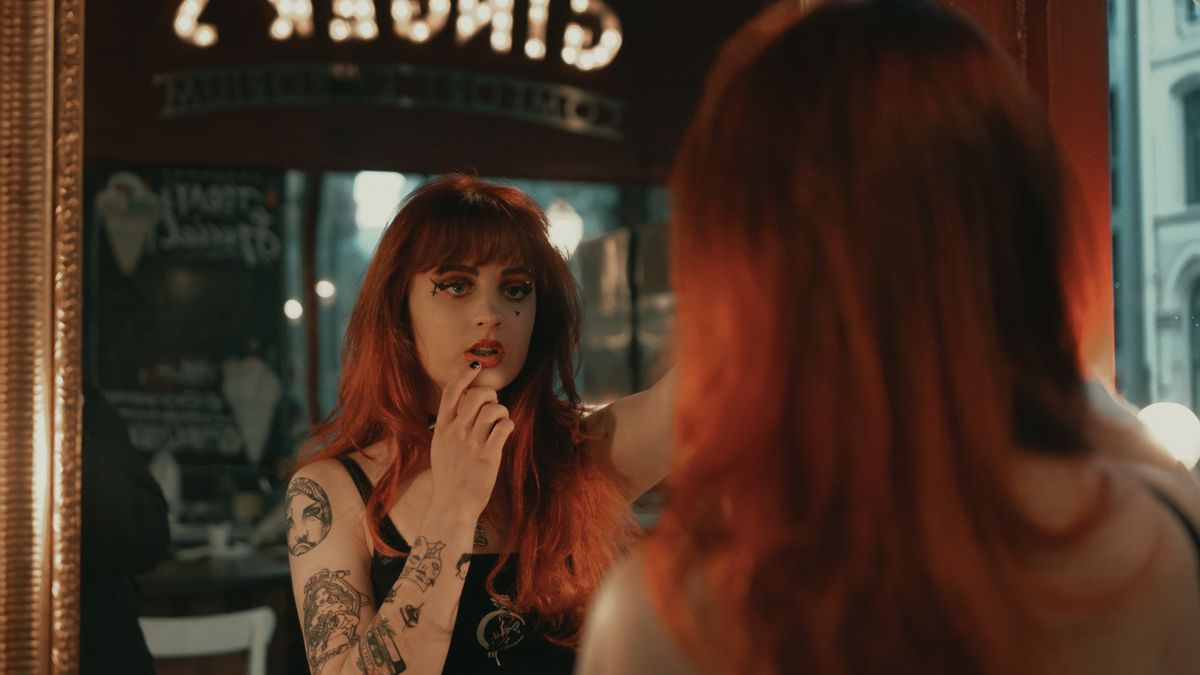
A scene of a short drama, made shot by shot from your script.
Save a character once in your character library and use it in every episode; faces can still vary.
16:9 · 5 s · 720p · 34 credits ≈ $0.34
Samples firstthen the whole batch
Six steps from your material to files you can use. Every item is priced first, and the rest waits until you approve the samples in the browser.
Your assets
Upload product photos, a sheet or a storyboard.
Plan and quote
Every item is priced before anything runs.
Samples
A few representative samples run first.
Your approval
You approve in the browser. An AI can't approve for you.
Batch
The rest runs within the approved scope and budget.
Delivery
Download the files, named by SKU. If your AI agent started the batch, you can pick it up on the web at any point.
3 × 3 = 9
| v1 | v2 | v3 | |
|---|---|---|---|
| Product A | Sample | After approval | After approval |
| Product B | Sample | After approval | After approval |
| Product C | Sample | After approval | After approval |
3 products × 3 variants = 9 videos. The first variant of each product is a sample; once you approve them, the other 6 run. The samples are part of the 9, so you pay for 9 videos, not 9 plus samples.
Say it onceevery shot starts from it
Describe your product and your brand once, and new projects and templates start from these kits. If the planner writes a claim you ruled out, the plan stops before you see it. Takes can still differ: a kit changes what the model is asked, not what it does.
Product kit
- Pictures
- Up to 9. In Reference mode they go to the model as references
- Selling points
- Up to 8, confirmed by you. Plans use them as written and add no others
- Must keep
- Shape, colors, label text, logo position
- Never claim
- A plan that makes one of these claims is stopped before you see it
Brand kit
- Default style
- New shots from a template take this look; each shot can take another
- Tone of voice
- Sets the style of a new script or plan when you give none
- Words to avoid
- Checked in every plan made with the kit
- Default characters
- Up to 4. They join the cast of a new project
Presets and templatesnot a blank page
A preset is a ready-made shot recipe: camera move, light and pacing. Drop in your product, change one line, render. A template starts from one image and sets up the prompt, the model and every shot for you.
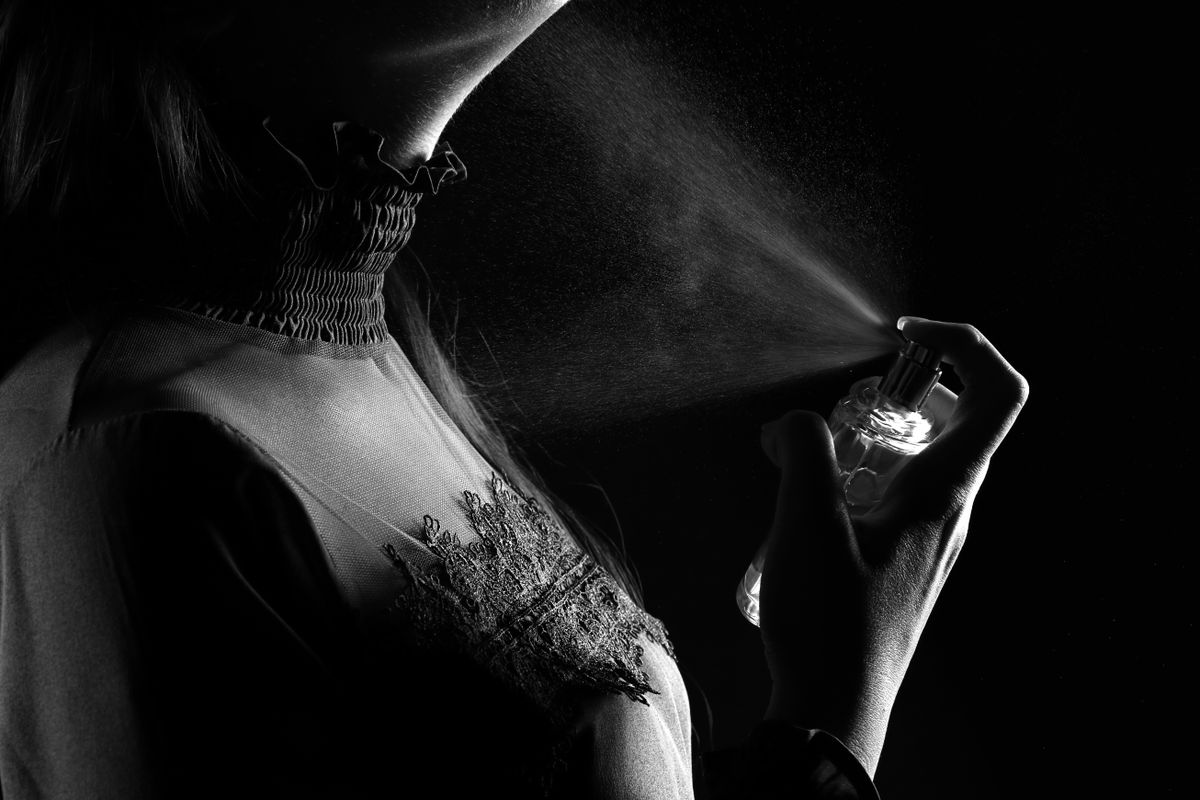 CUT 01 · ProductProduct heroFast · 5 s · 34 cr
Perfume mist in hard side light. Slow push-in, black background, grain.
CUT 02 · StoryDrama close-upFast · 8 s · 54 crClose-up in a café mirror, warm practical lights, she hesitates, then looks back at camera.
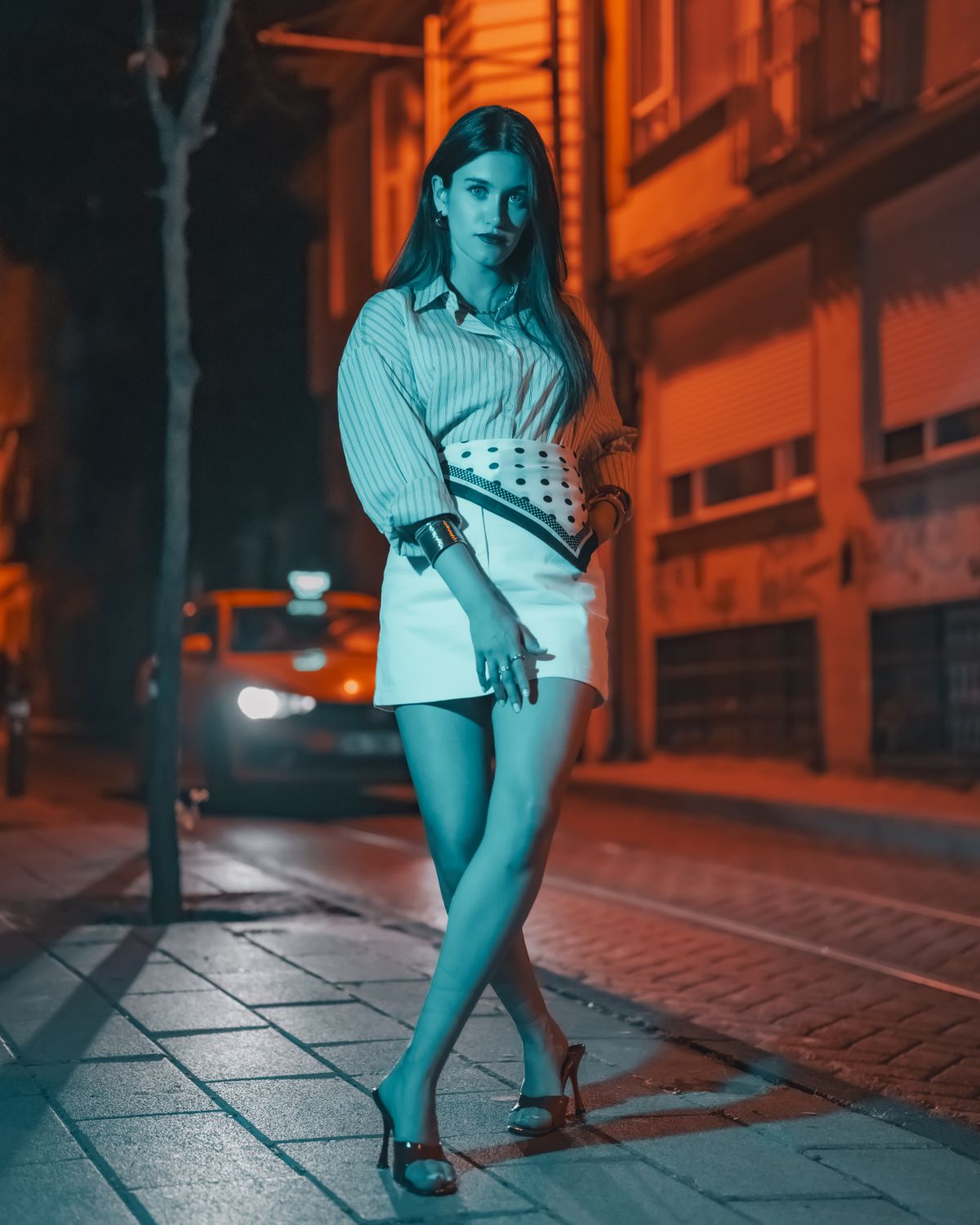 CUT 03 · FashionRunway fitFast · 5 s · 34 cr
Model walks toward camera on a night street, orange streetlight, tracking shot, fabric in motion.
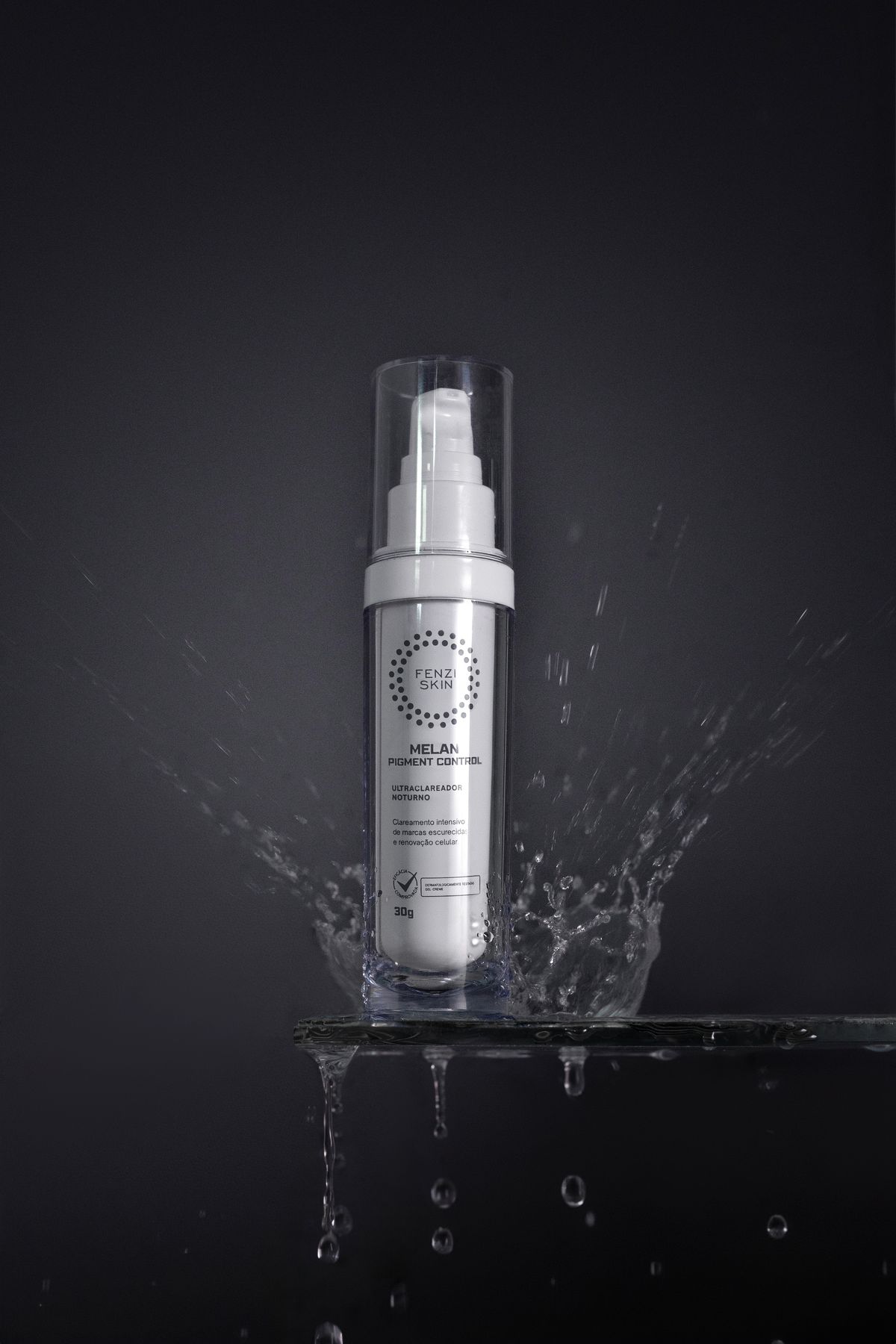 CUT 04 · ProductLiquid splashMini · 5 s · 21 cr
Serum bottle on wet stone, a splash rises in slow motion, cool rim light.
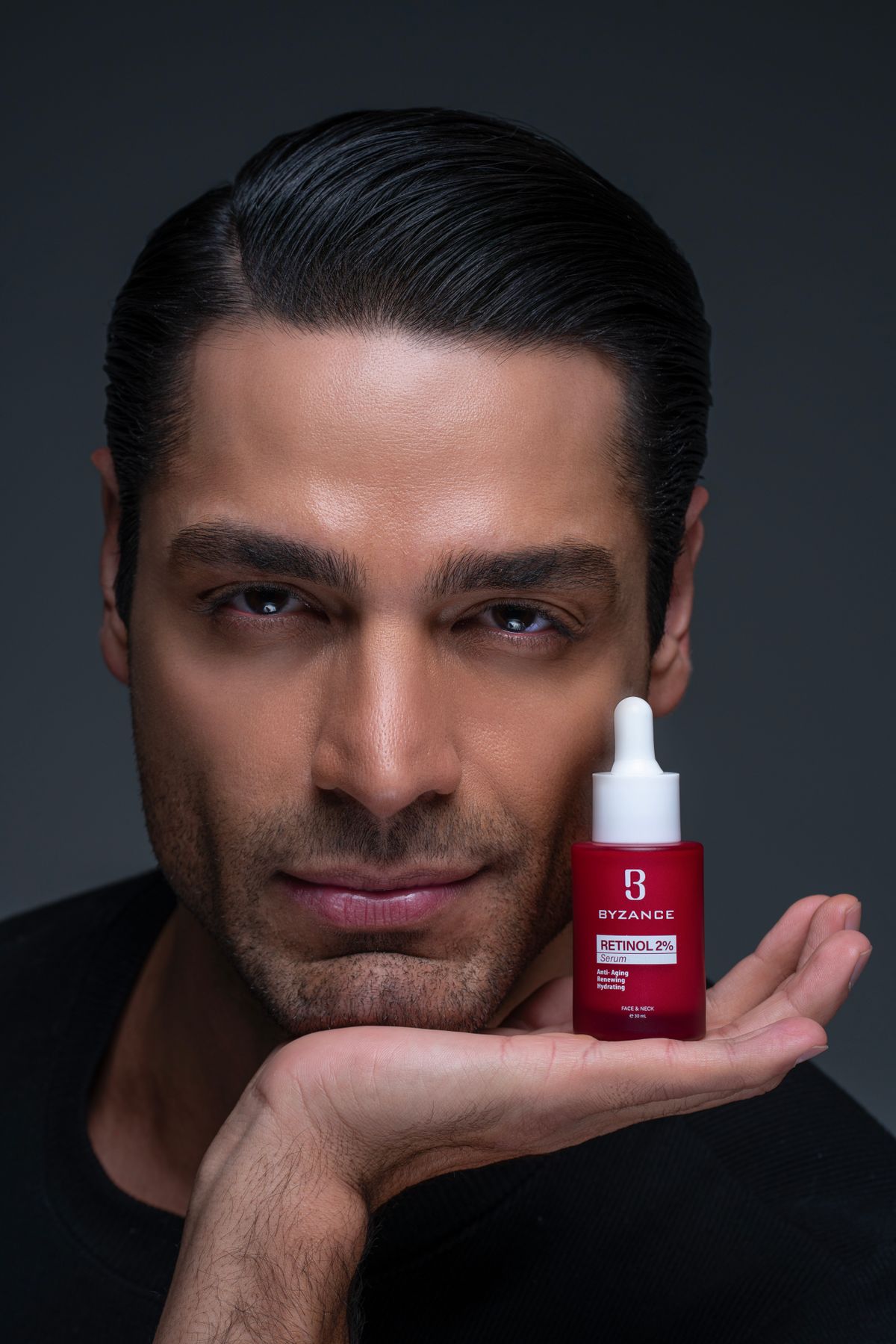 CUT 05 · SocialUGC takeMini · 10 s · 42 cr
Creator holds the bottle to camera and explains one benefit, handheld, natural room light.
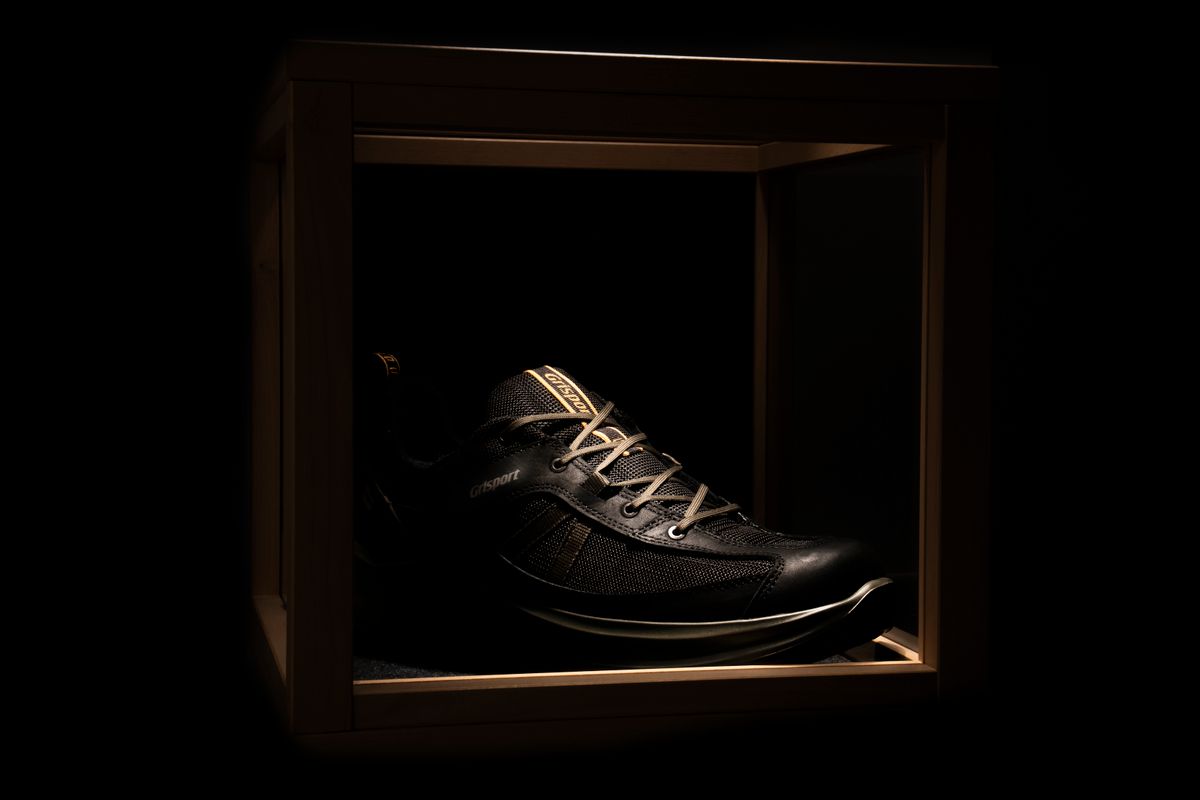 CUT 06 · ProductUnboxingFast · 5 s · 34 cr
A sneaker revealed in a wooden box, top light sweeps across the laces, slow dolly in.
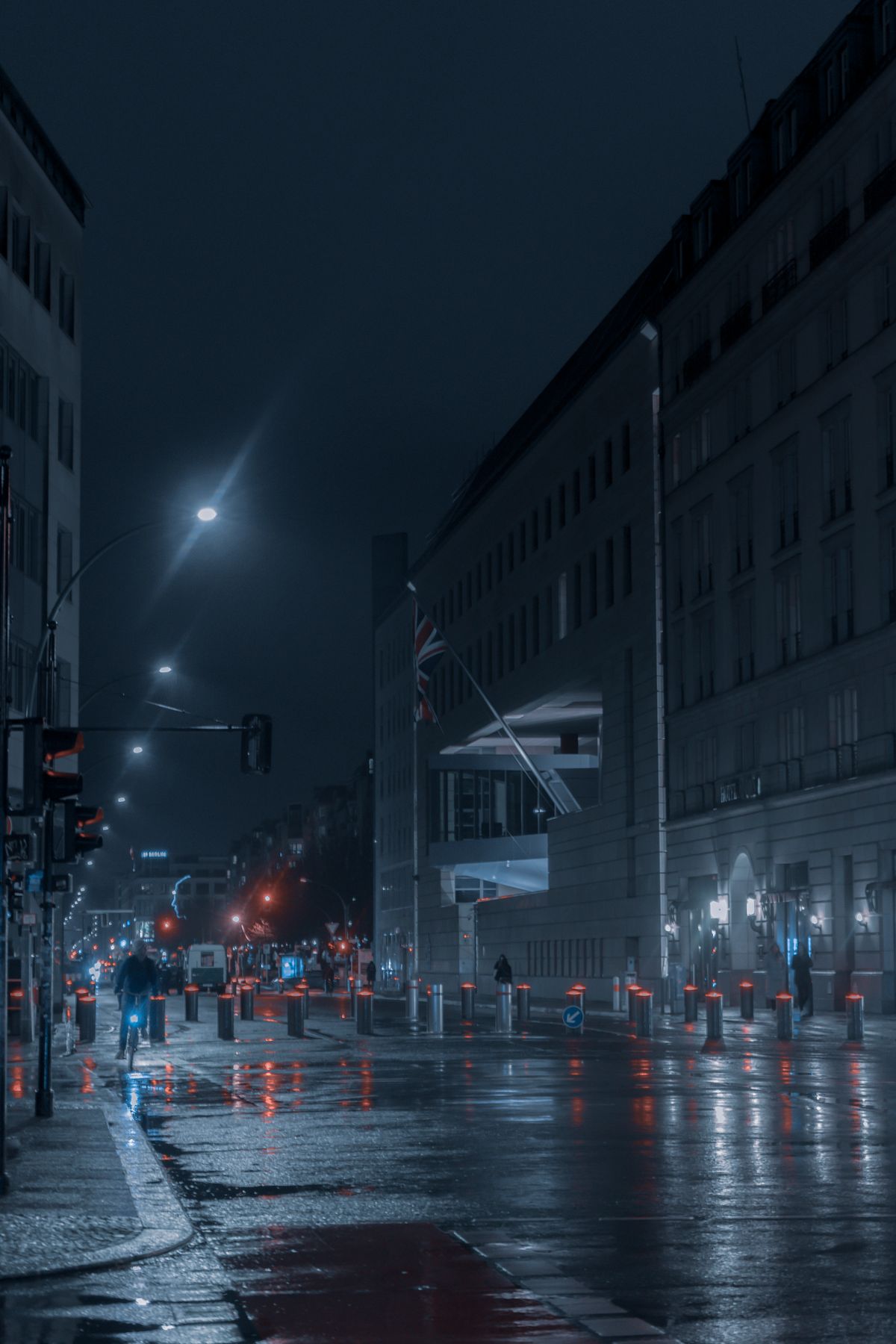 CUT 07 · SceneryCity B-rollMini · 480p · 5 s · 10 cr
Rainy avenue at blue hour, traffic lights reflect on the road, static wide shot.
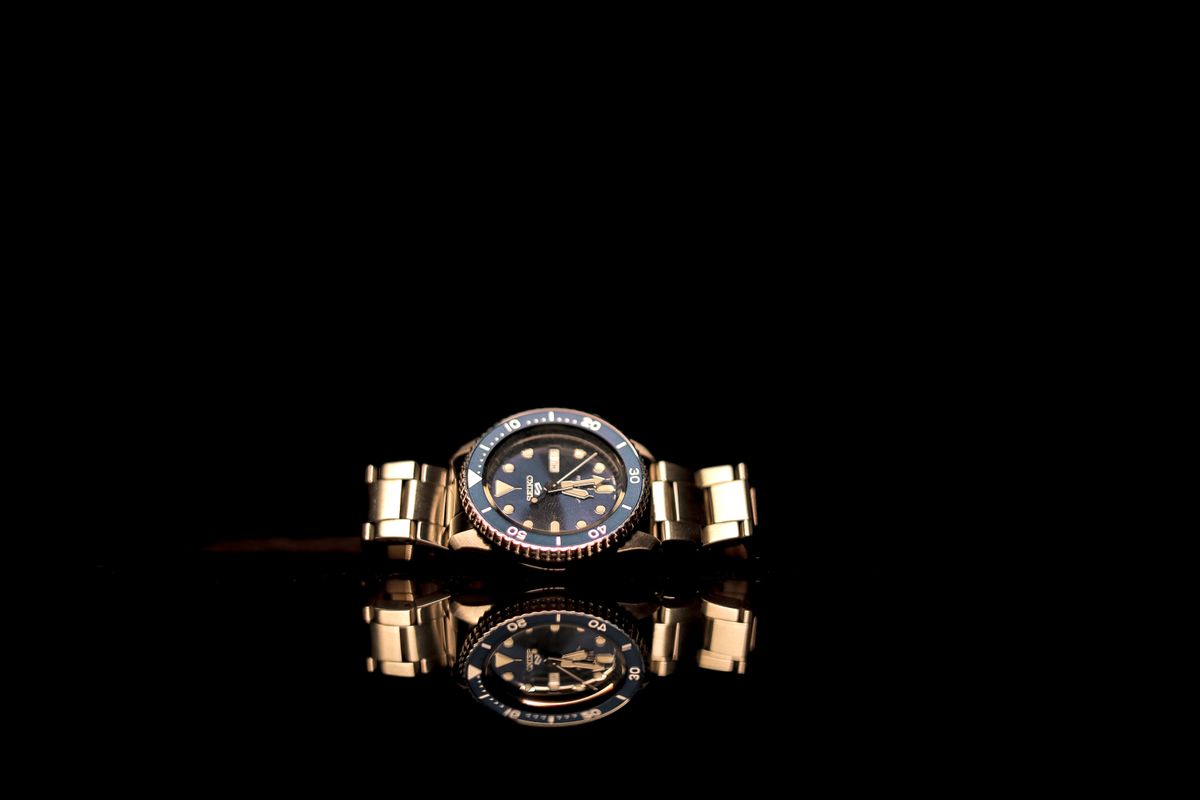 CUT 08 · ProductTimepieceFast · 5 s · 34 cr
Gold watch on black glass, a slow orbit with a mirror reflection, soft specular highlights.
Workbenchevery workflow in one place
Start from your industry, a way of working or a single tool. Each one leads to a page with real presets, templates and prices, or straight to the tool.
By industry
Presets, templates and kits picked for one kind of video, and how a batch runs for it
By method
Start from one image, a shot recipe, a sheet or a script
Single tools
One job each, from a prompt to a finished clip
- Image to promptA ready-to-use video prompt from any picture, free
- Video to promptThe prompt behind a shot, from a video up to 3 minutes, free
- Upscale2× or 4× larger and sharper
- Remove backgroundClean cut-outs on a transparent, white or color background
- OutpaintReframe a picture to 9:16, 16:9 or 1:1
- Image editSwap a background, change a color or remove an object in a sentence
- Text to videoA clip with sound from one sentence
- Image to videoAnimate a product shot or a first frame, 4 to 15 seconds
Your AI agentworks in your account
Connect Claude, Codex, Cursor or another AI agent you already use. It works in your account and spends your creative balance, the credits the studio uses, at the same prices.
Batch
CSV in · MP4 outUpload products and shots as a sheet, or let Claude or Codex send them from your account. The price check shows your batch limit before anything runs; retry only what failed and export by SKU.
AI agent
MCPEach agent gets its own connection: you see what it spent and can revoke it on its own.
Quotes first
Every render is priced before it runs, at the studio's prices.
Your cap
Give each connection a monthly cap; without one, your balance is the limit.
You approve
It can start a batch, but only you approve the samples, on the web.
Free to connect
Connecting adds no plan and no fee. You pay only for what it renders.
Two enginespicked by the job
Seedance 2.0 comes in two versions here: Mini for drafts and volume, Fast for the shots you deliver. Each price below is for one shot at the spec shown.
Seedance 2.0 Mini
- Resolution
- 480p · 720p
- Duration
- 4–15 s
- References
- Images, up to 9
- At 480p
- 10 cr · ≈ $0.10
- Audio
- Native, same price
- Best for
- Testing ideas, batch drafts
Seedance 2.0 Fast
- Resolution
- 480p · 720p
- Duration
- 4–15 s
- References
- Images, up to 9
- At 480p
- 16 cr · ≈ $0.16
- Audio
- Native, same price
- Best for
- Ads, product films, drama shots
1 credit = $0.01.
Compare with fal, Replicate and WaveSpeed: Seedance 2.0 Fast · Seedance 2.0 Mini
Our commitmentsin plain words
How the studio works today, not plans for later. Every render leaves a receipt in your ledger: what was quoted, what was held when you submitted and what was charged on delivery.
Quoted before it runs
Every render shows its price in credits before it starts and is never charged above that quote. API calls carry a quote or a price cap.
Failed or refused renders cost nothing
If no video comes out (the render fails or the model refuses it) or a safety check blocks the result, the credits held for it are refunded to your balance automatically, with no request needed. A prompt our check refuses is never charged. A video that is made is charged, even if you do not like it.
Broken files are refunded after a check
If a file is broken or misses what you paid for (length, resolution, shape or sound), press “Report a problem” on it. We check the file and return its credits to your balance.
Canceling stops the renewal
Cancel a membership and the next renewal is not charged; its benefits last to the end of the period you paid for. Auto top-up stays off unless you turn it on.
Top-up credits last 12 months
From the day you buy them; they never reset at month end. Your balance shows the date, and we email you 30 and 7 days before a top-up with 100 credits or more left expires.
Private by default
Nothing you make is public until you create a share link.
Questionsbefore you start
Do failed renders cost anything?
No. Credits are held when you submit and refunded automatically when no video comes out (the render fails or the model refuses it) or a safety check blocks the result. A video that is made is charged, even if you don't like it. Every hold and refund shows up in your ledger.
Can I try it before paying?
Video needs prepaid credits, and you see the exact price before every render.
Can I use the videos commercially?
Paid renders are yours to use commercially under our Terms and the models' own terms. Free, watermarked images are for non-commercial use only. Commercial use, in plain words
Which payment methods do you accept?
Cards, Apple Pay and Google Pay through Stripe, plus PayPal. Prices are in US dollars; 1 credit = $0.01.
What if I don't like the samples?
Reject them on the web. The rest of the batch is canceled before it runs, and the credits held for it are refunded to your balance. The samples were made, so they are charged.
Will my product look the same in every shot?
Shots made from a product kit start from the same pictures, selling points and must-keep details, and in Reference mode its pictures go to the model as references. Takes can still differ, so look at the first ones before you make more.
Can my AI agent make the videos?
Yes. Connect Claude, Codex or another AI agent that supports MCP; connecting is free. It quotes before each render, spends your creative balance within any monthly cap you set, and can't approve a batch for you.