Outpaintreframe to 9:16, 16:9 or 1:1
Extend a square product shot into a vertical story or a wide banner. The model fills the new area to match the original.
Not open yetImage tool
Real renders are not open yetLeave your email and we will write once, when they open.
Settings
- 9:16
- 16:9
- 1:1
Pricefrom 2 crper edit, Image Mini · 1K
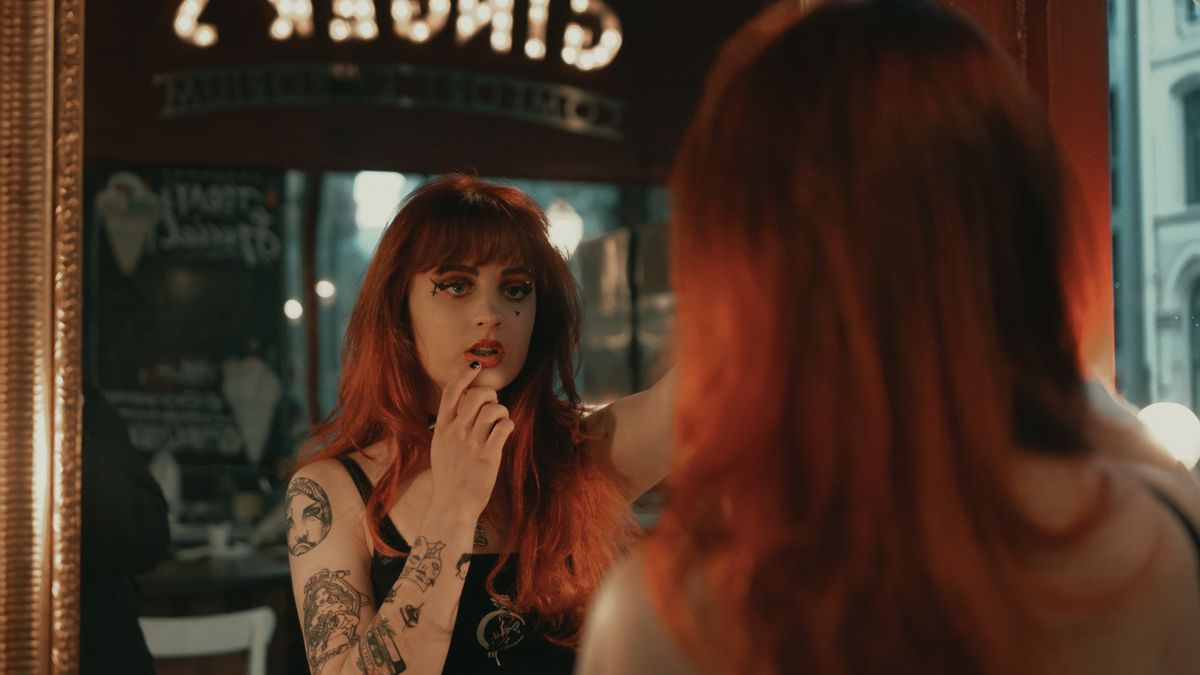 Example frame · Result appears here
How itworks
- 01
Upload in studio
JPEG, PNG or WebP, up to 10 MB.
- 02
Pick the new ratio
9:16, 16:9 or 1:1.
- 03
Check the edges, animate
Look where the old frame meets the new area, then animate.
What youget
- Output
- Your image extended to the new ratio, at 1K or 2K.
- Price
- from 2 cr · per edit, Image Mini · 1K
- Use
- Paid results carry no watermark and can be used commercially under our Terms. Free watermarked tries, when offered, are non-commercial.
- Next step
- Animate it at the same ratio, so nothing gets cropped.
Questionsanswered
Which model does the extending?
Qwen-Image-Edit-2511: with the Lightning 4-step adapter on Image Mini, the standard model on Image Fast.
Will it change my product?
It aims to leave the original area alone and only fill the new space. Check the seam where the old frame meets the new area.
Which ratio should I pick?
The one your video will use: 9:16 for Reels and TikTok, 16:9 for YouTube, 1:1 for feeds.