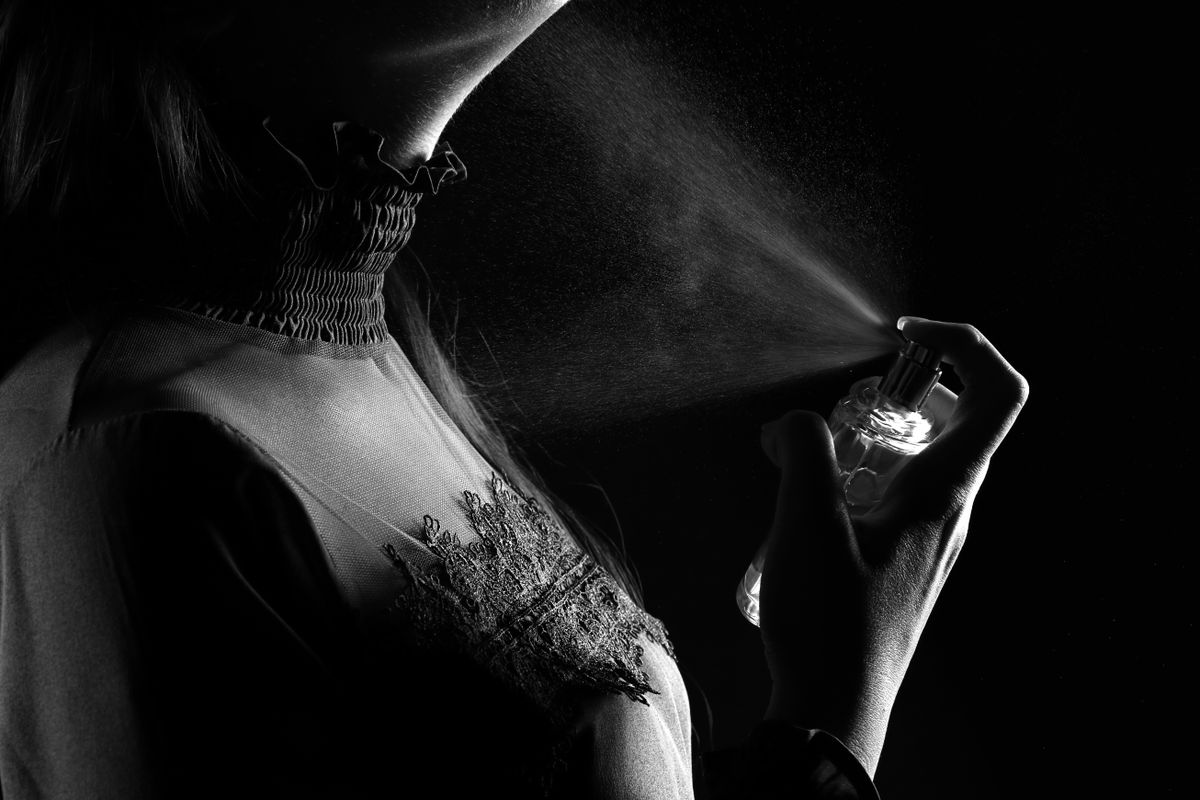
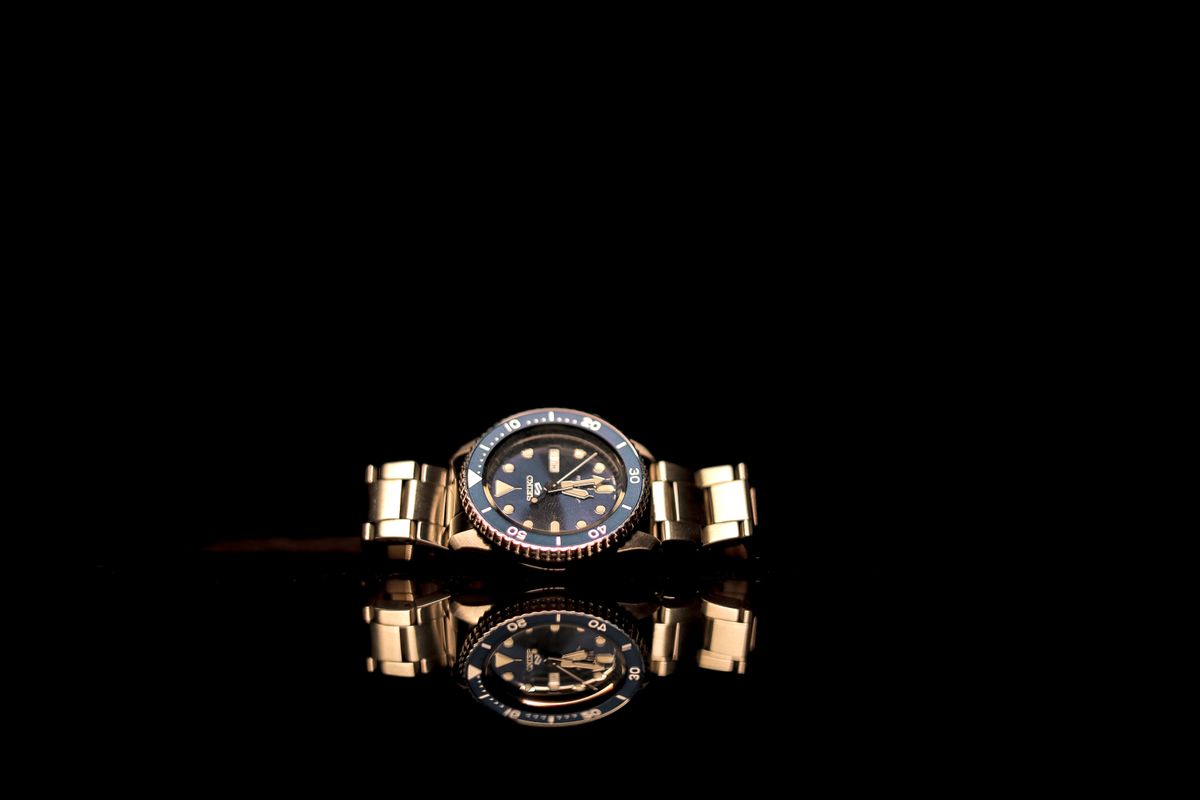
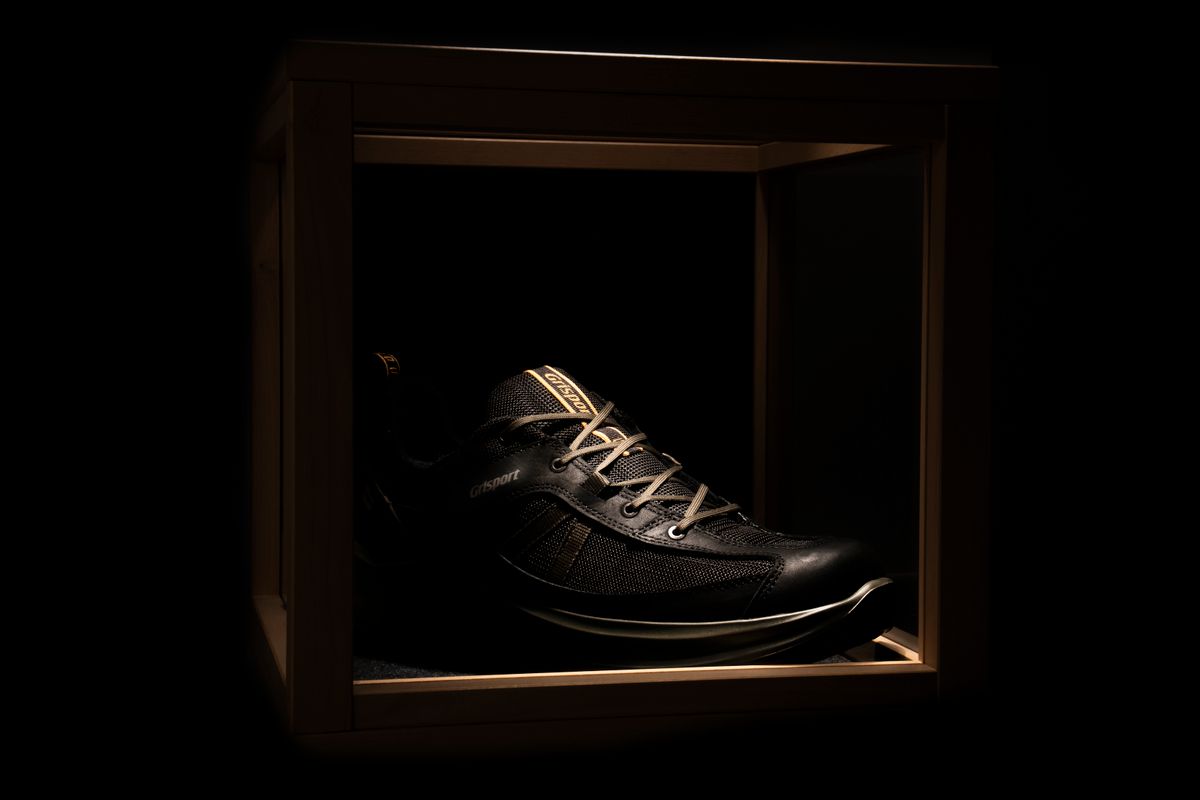
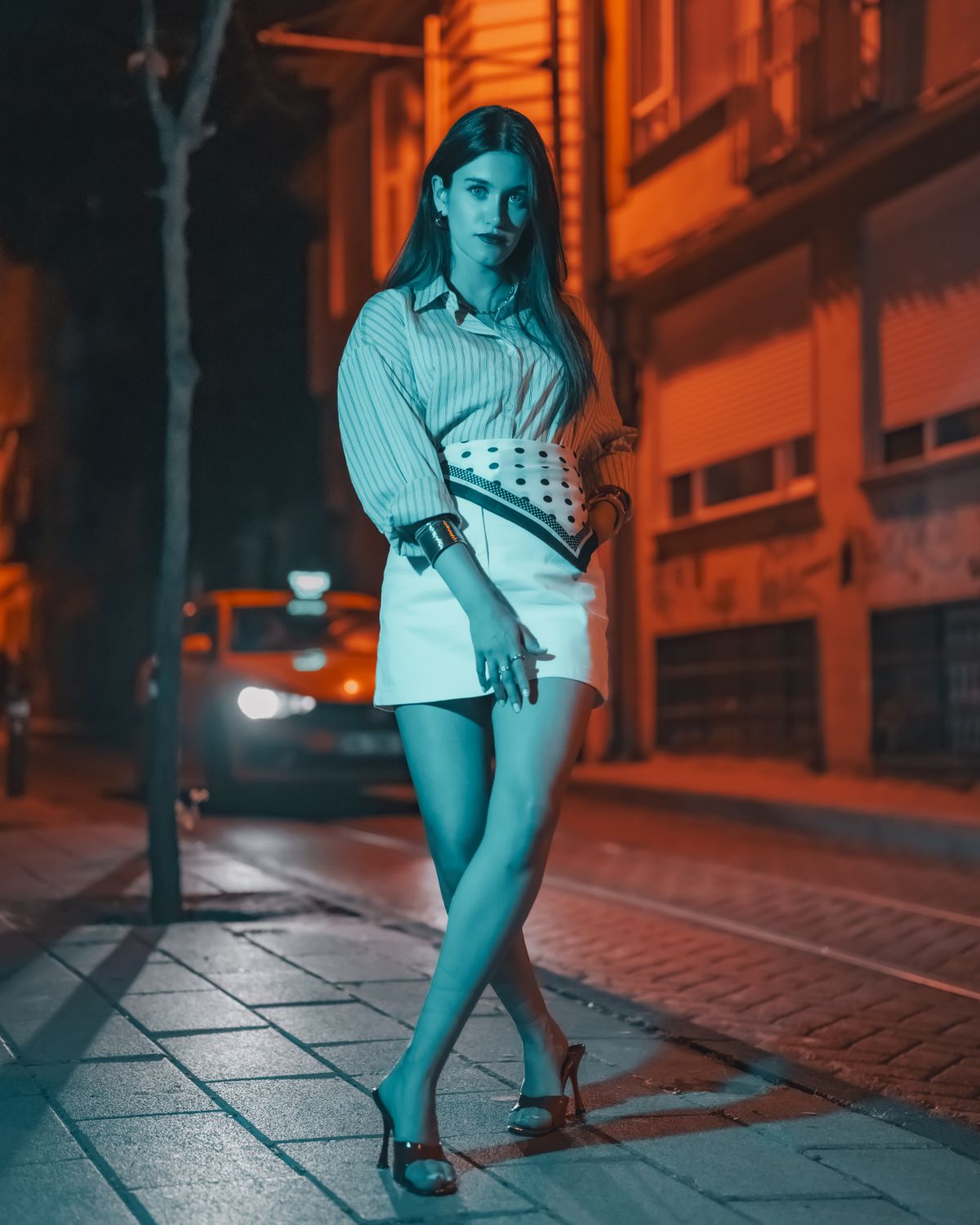
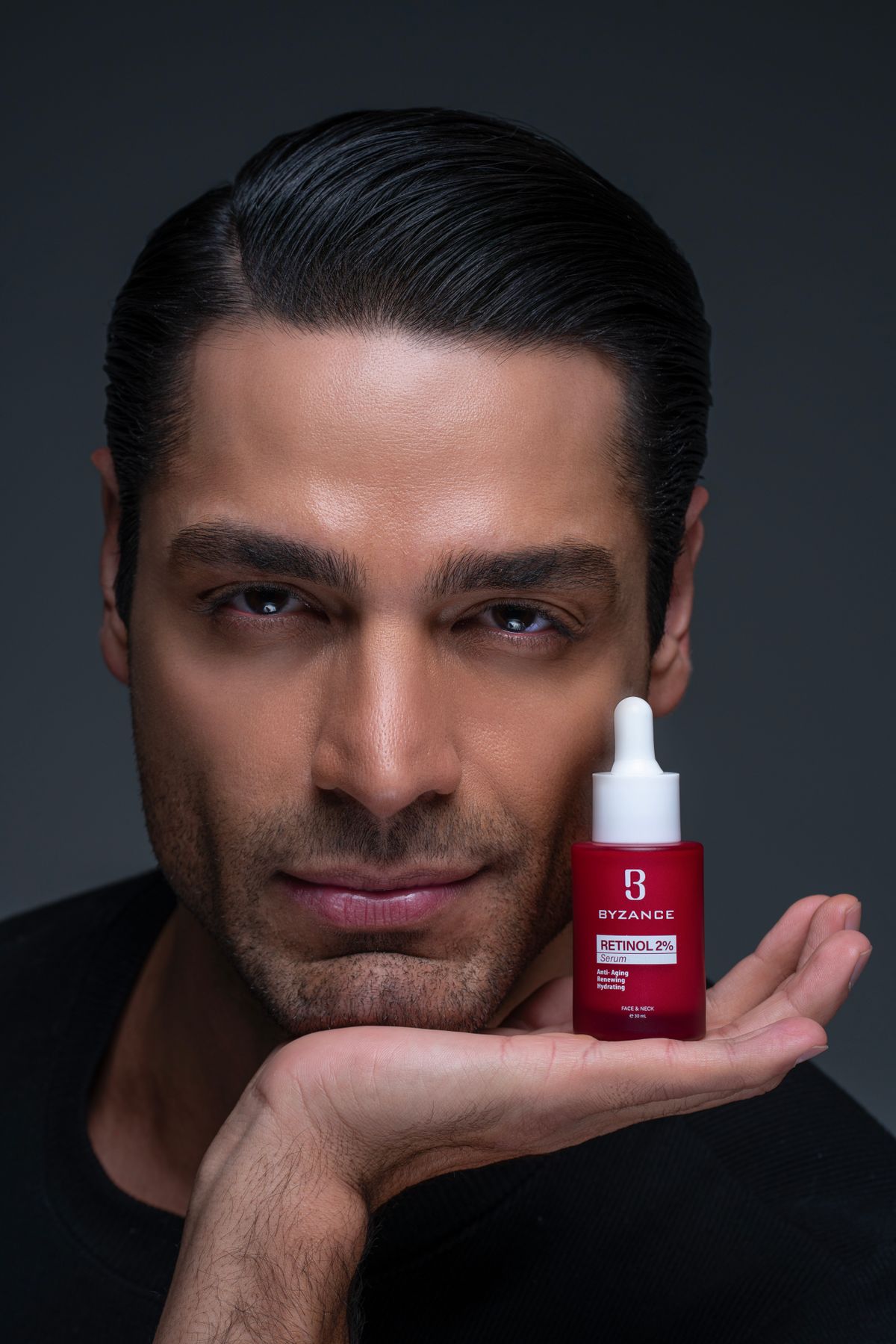
Bring one image. Each template writes the prompt, picks the model and the settings, and prices every shot before anything renders. The Product ad template can start from your product kit, and the model stays yours to change.
One product photo becomes four scene first frames, each one click from a video.
Source
Stock photo
You upload
One product photo, edited into each scene
Frames
Clean studio · In use · Natural setting · Close detail
Categories
8, recognized from the photo or the name
Spec
Image Mini · 1K · 768×1344 · 9:16
Cost
8 cr ≈ $0.08 for 4 frames
See the prompt
Place the product on a smooth stone plinth in a clean studio, against a seamless warm-gray backdrop, with soft diffused light from the side and a gentle shadow. Keep the product exactly as it is in the photo: the same shape, proportions, colors, materials, label and logo. Change only the setting and the light. Photorealistic commercial product photography with the product in sharp focus. Leave generous empty space around it so the camera can move. Do not add any text, logos or watermarks.
Three vertical drafts from one photo. Make a new Fast take of the one that sells.
Source
Stock photo
You upload
Product photo, first frame and reference
Shots
Push-in 5 s · Arc 5 s · In use 5 s
Spec
Mini · 480p · 15 s · 9:16
Cost
30 cr ≈ $0.30
See the prompt
Vertical product ad. the product exactly as in the first frame, on a clean surface. A slow push-in at product height, soft key light from the side, a gentle highlight sweeps across the product, shallow depth of field. The product keeps its shape, label and colors.
A slow 360-degree turntable orbit around the product, starting exactly as it looks in the first frame. Soft studio light, seamless backdrop, crisp reflections, the product stays centered and sharp.
Top-down unboxing: hands lift the lid of a plain box and reveal the product, matching the reference photo. Soft top light sweeps across it, slow dolly in, a calm and satisfying pace.
A model wears your garment and walks toward the camera.
Source
Stock photo
You upload
Garment photo, as a reference
Shots
Walk 5 s
Spec
Fast · 720p · 5 s · 9:16
Cost
34 cr ≈ $0.34
See the prompt
A model wears the garment from the reference photo, same color, fabric and fit, and walks toward the camera on a quiet street. Tracking shot, natural light, the fabric moves with each step.
A creator holds up your product and says why it works.
Source
Stock photo
You upload
Product photo, as a reference
Shots
To camera 10 s
Spec
Mini · 720p · 10 s · 9:16
Cost
42 cr ≈ $0.42
See the prompt
A creator talks to the camera in a bright room, holds up the product from the reference photo and explains why they use it. Handheld phone framing, natural light, a relaxed and honest tone.
Continue from the still in the first frame: the character in close-up, warm practical lights, shallow focus. A beat of tension, then a slow push-in as they react.
Your product turns and opens into an exploded view.
Source
Stock photo
You upload
Product photo, as the first frame
Shots
Exploded view 8 s
Spec
Fast · 720p · 8 s · 16:9
Cost
54 cr ≈ $0.54
See the prompt
Explainer shot: the product, as it looks in the first frame, turns slowly while its parts separate into a clean exploded view, then come back together. Neutral studio light, plain background, room for captions.
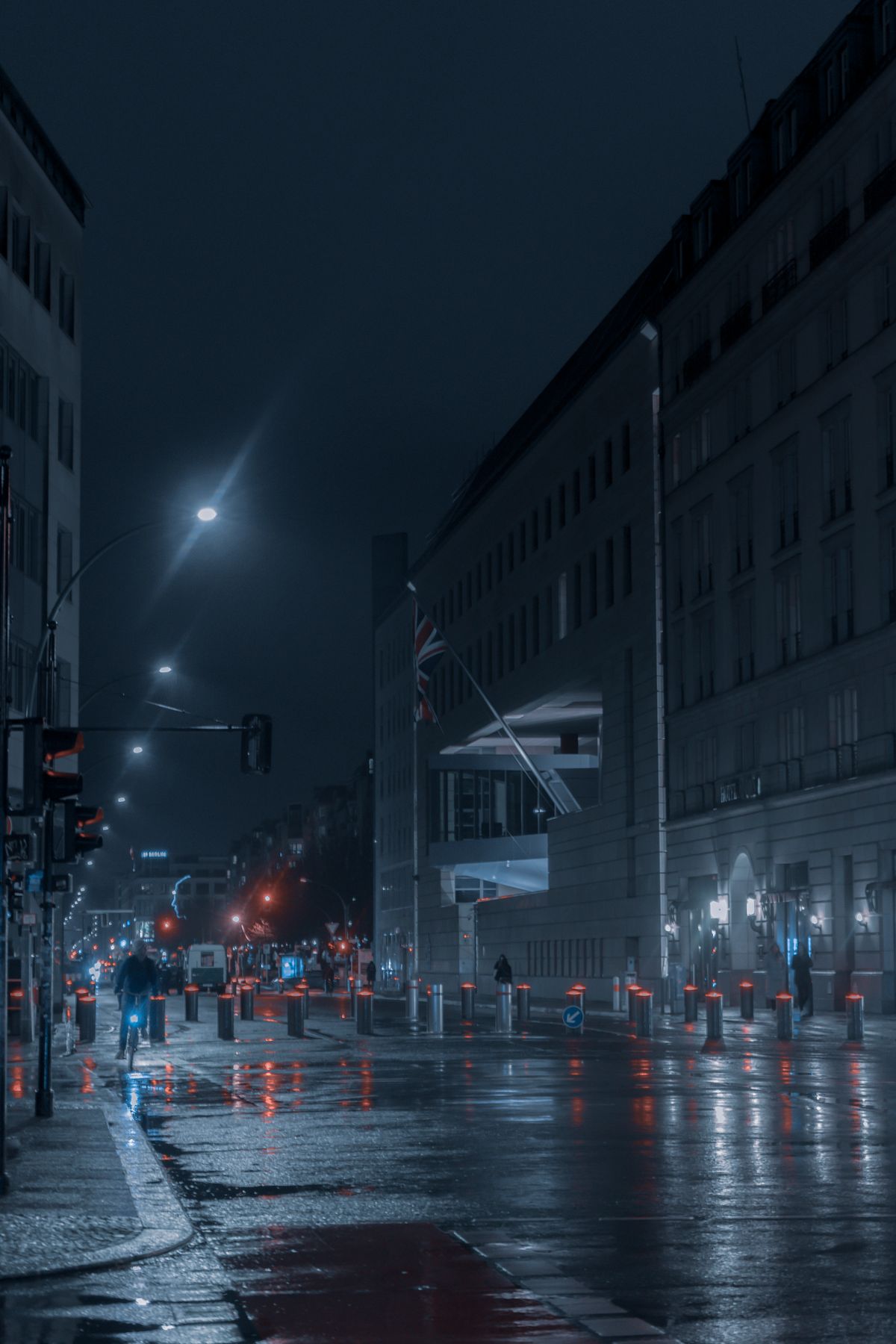
Social loop: the product from the reference photo placed in a stylish night-street scene, neon reflections on wet ground, one smooth camera move that loops cleanly for a feed.
 Image template4 frames